We’re building Markhor to bring aircraft controls, live telemetry and terrain into one view, helping the operator understand the flight and direct what happens next. Our longer term aim is a broader command and control platform that connects aircraft operations with sensor data and operational intelligence. Beta 0.1 establishes the foundation with the core aircraft experience.
This is our first development update. We’ll use these posts to share the work behind the software, the decisions taking shape and what we learn from testing it.
Where we are today
Markhor Beta 0.1 is released for Windows, with closed beta access by personal invitation only. Testing remains focused on ArduPilot aircraft, and work is now underway on 0.2. The Beta 0.1 release notes describe what is included in this first release.
The foundation brings together the aircraft connection, flight controls, live telemetry and a 3D view of the surrounding terrain. Recent work has concentrated on how those pieces behave together. That includes what happens when a command is sent, how the interface presents a warning and whether the information on screen is still current.
Bringing the flight experience together
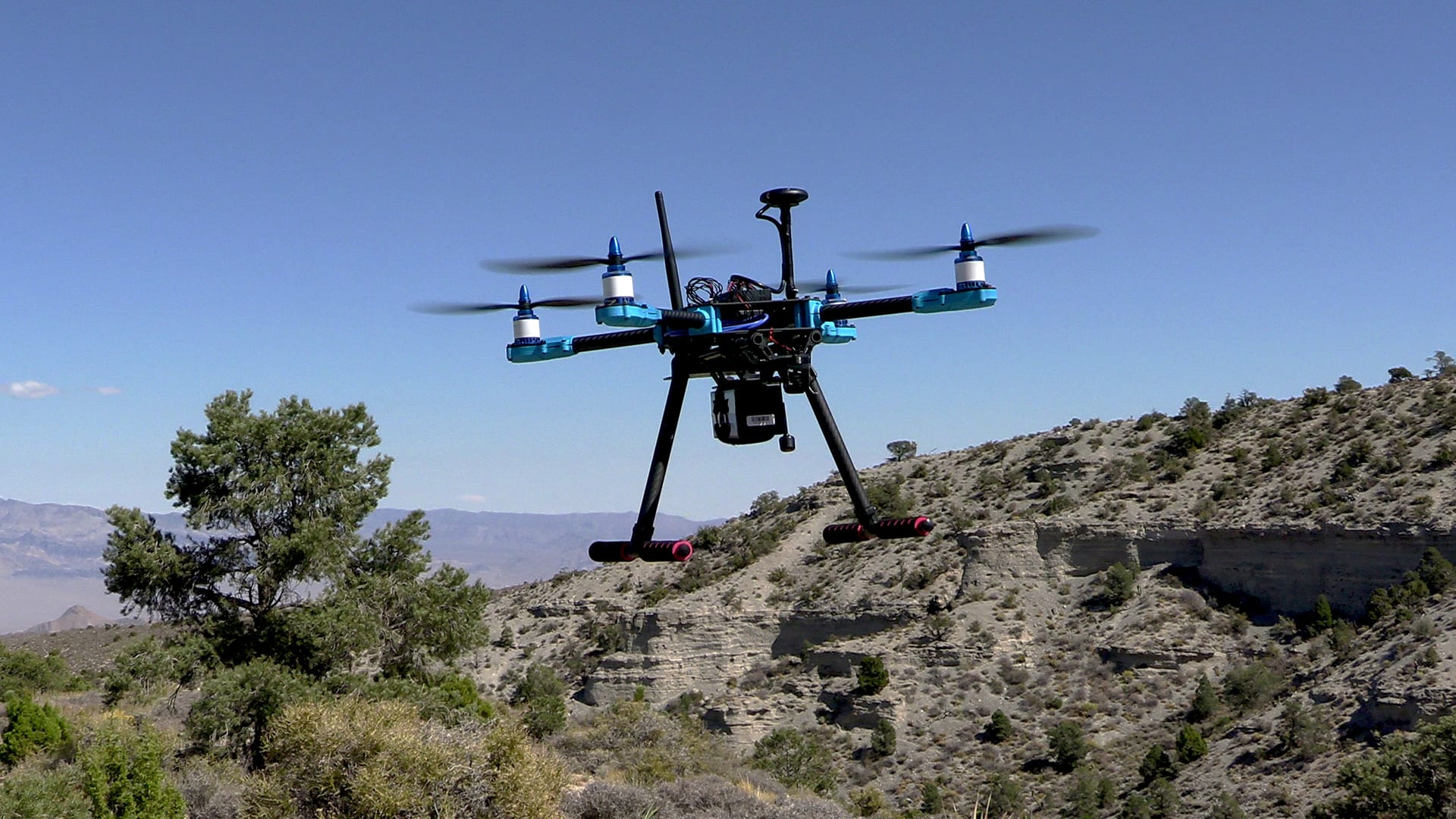
Guided flight speed is one example. While trying to capture slow camera passes, we found that the aircraft could accept a speed command and then return to its default speed when a new flight target began. Beta 0.1 remembers the selected speed and sends it again with each new guided target. It also gives clearer feedback about whether the setting is saved, sent or confirmed. Initial flight measurements support the improvement, with additional flight sequences still to check.
We’ve also been reorganizing alerts so that each problem has a consistent place and name. Autopilot warnings appear in the alert panel, while routine messages go to the log. Link status uses consistent wording across the interface, and readings are marked as last known when the connection is lost.
Connection handling has received attention too. An aircraft can keep sending a heartbeat while its position and attitude stop updating. Recent changes detect that condition and warn the operator. Restart detection and telemetry recovery have been exercised in simulation, with hardware validation still ahead.
Learning from testing
We use automated checks, simulated flights and real aircraft flights to examine different parts of the software. Simulation lets us repeat a sequence and compare behavior across builds. Flying brings the controls, aircraft, radio and operator together under conditions that are harder to reproduce at a desk.
The speed work also changed how we test. An earlier check treated an accepted command as a successful result. The revised checks examine the aircraft’s behavior as well. That distinction matters whenever the interface reports that something has happened.
Flight testing continues to uncover work. Recent flights exposed alert behavior that needs refinement, including warnings that clear and return too frequently. Some command sequences and recovery conditions have been checked in simulation but still need hardware testing. Those differences guide what we test next.
The work ahead
As work moves toward 0.2, our immediate focus remains completing the remaining flight checks and addressing issues found during testing. The broader roadmap sets out the current work and later milestones, with scope and release assignments expected to evolve as development continues.
Future devlogs will look more closely at individual features, interface decisions and flight tests, with screenshots and footage where they help explain the work. Release notes record what is included in each release. Together, these updates will show how the platform develops from the first aircraft workflows toward the wider system we want to build.