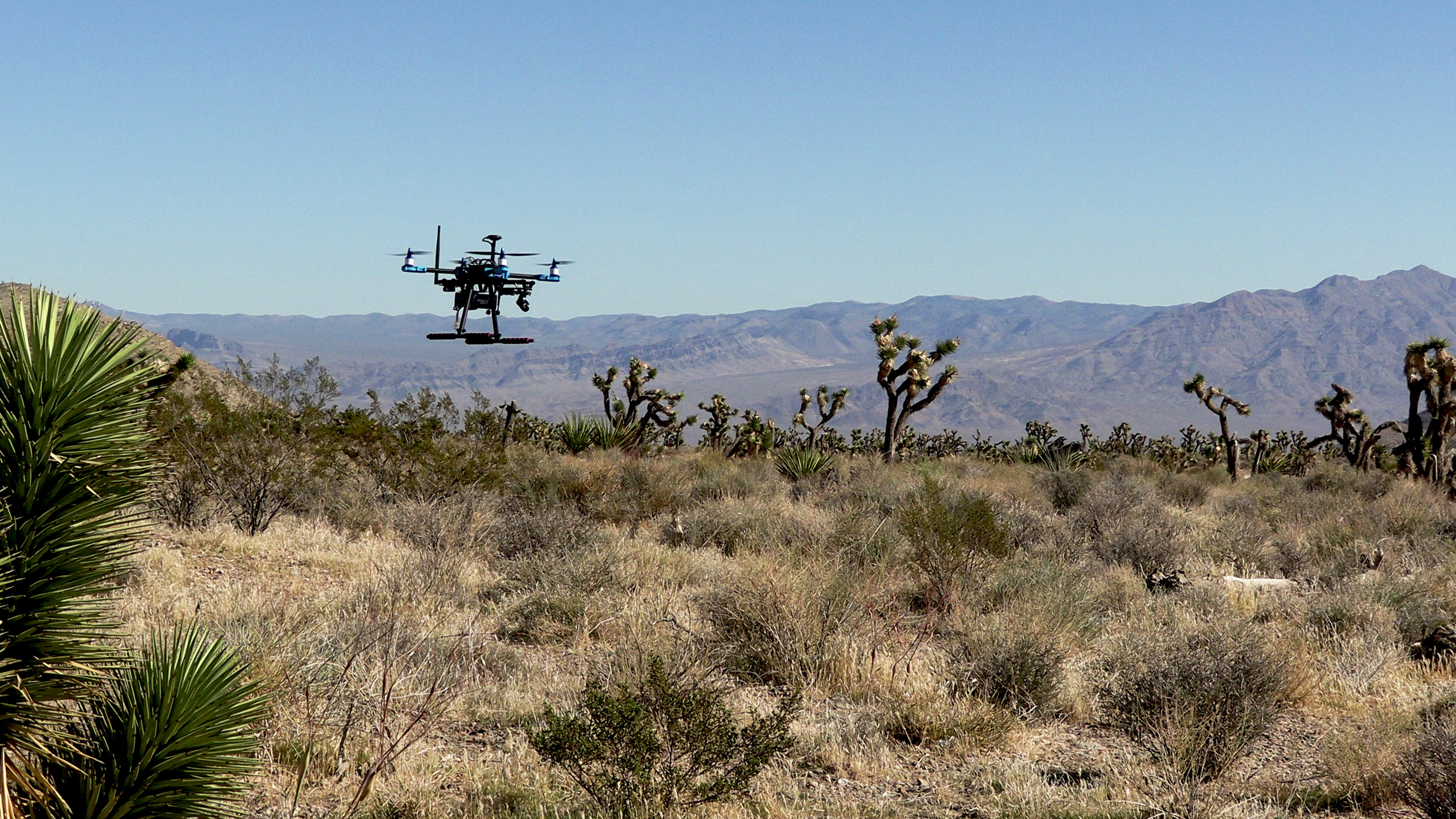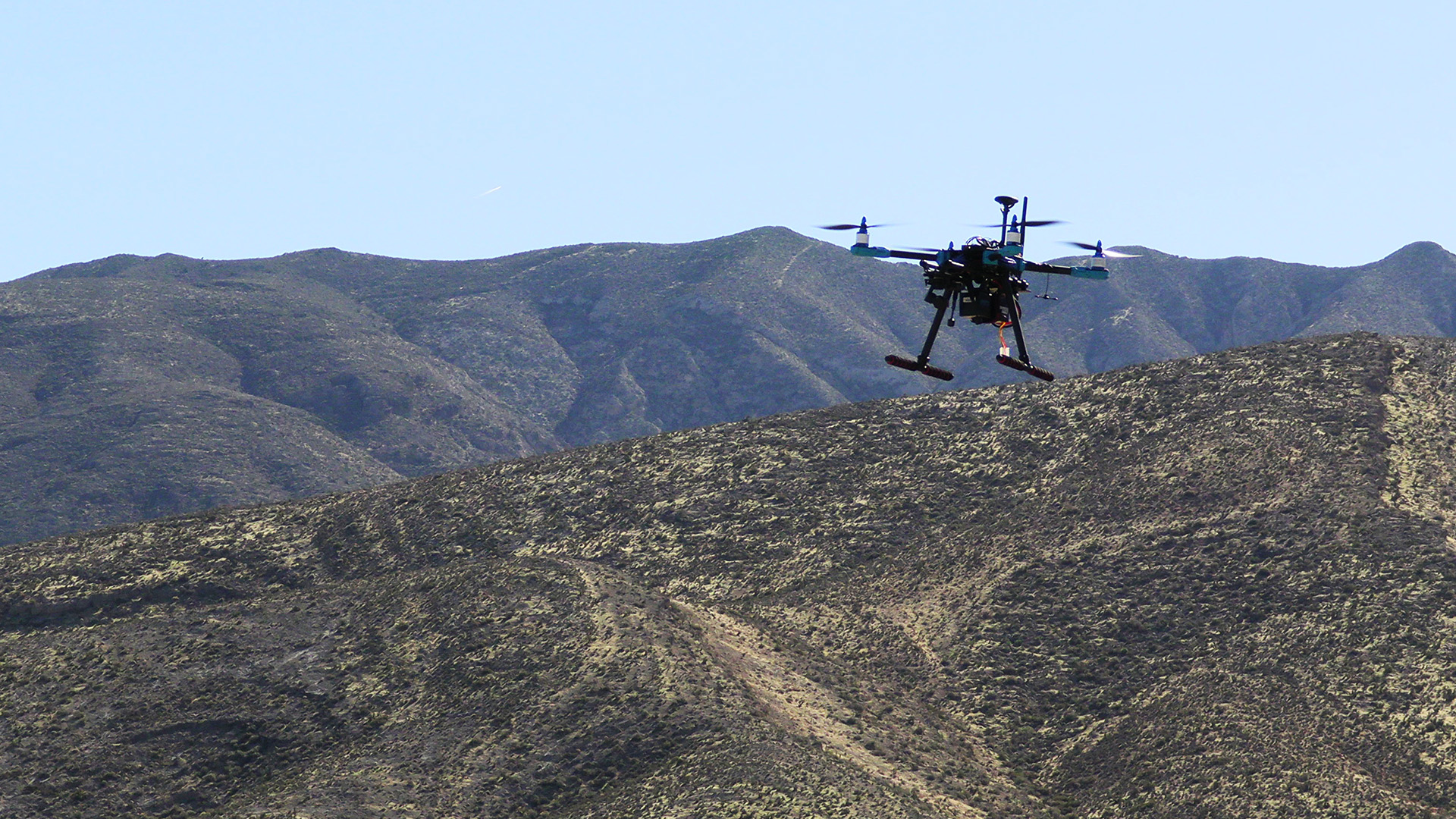
The first few seconds after connecting a drone to a laptop are easy to take for granted. A vehicle appears in the software. The battery reading fills in. A dot lands on the map. Suddenly, the aircraft on the bench has a presence on the screen.
Behind that little transformation, two computers are exchanging messages. On many ArduPilot and PX4 setups, the format they use is MAVLink, a messaging protocol for drones, ground stations and other components. It gives them a shared way to report information and ask for things to happen.
You can think of it as the language of the conversation. To see what that means, let’s follow a hypothetical ArduPilot aircraft from its first hello to the readings and requests passing back and forth.
The first hello
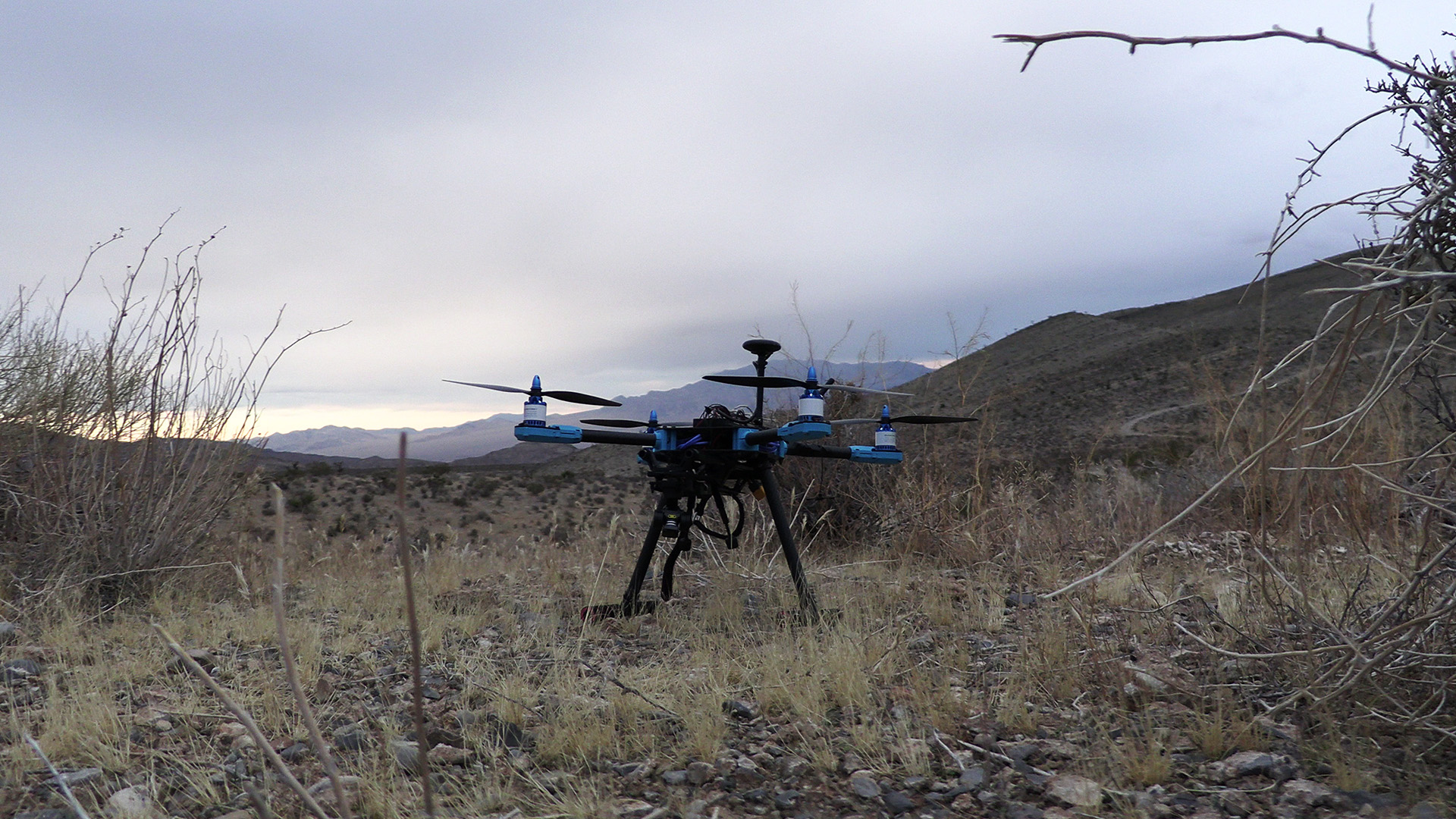
Start with the aircraft on the workbench, connected to a laptop by USB. Inside the aircraft is a flight controller, the computer running the autopilot software. On the laptop is a ground control station, the application through which you work with it.
One of the messages the aircraft sends is a heartbeat. It announces that a component is present and shares basic information about it. In everyday English, an aircraft’s introduction might sound like I’m here, I’m a quadcopter, and I’m running ArduPilot. That’s a human translation of a compact data message.
The ground station can use that introduction to recognize the vehicle and present an appropriate interface. Other exchanges bring in more information. The blank workspace starts turning into a view of this particular aircraft.
The ground station can send its own heartbeats too. That gives the aircraft a way to keep track of the ground side of the conversation.
There can be several participants in the conversation. An autopilot, camera and ground station can each have something to say. MAVLink uses system and component IDs to identify the source and, where needed, the intended recipient of a message. That keeps a camera’s report distinguishable from the autopilot’s report, even when they share a connection.
How a message becomes a moving dot
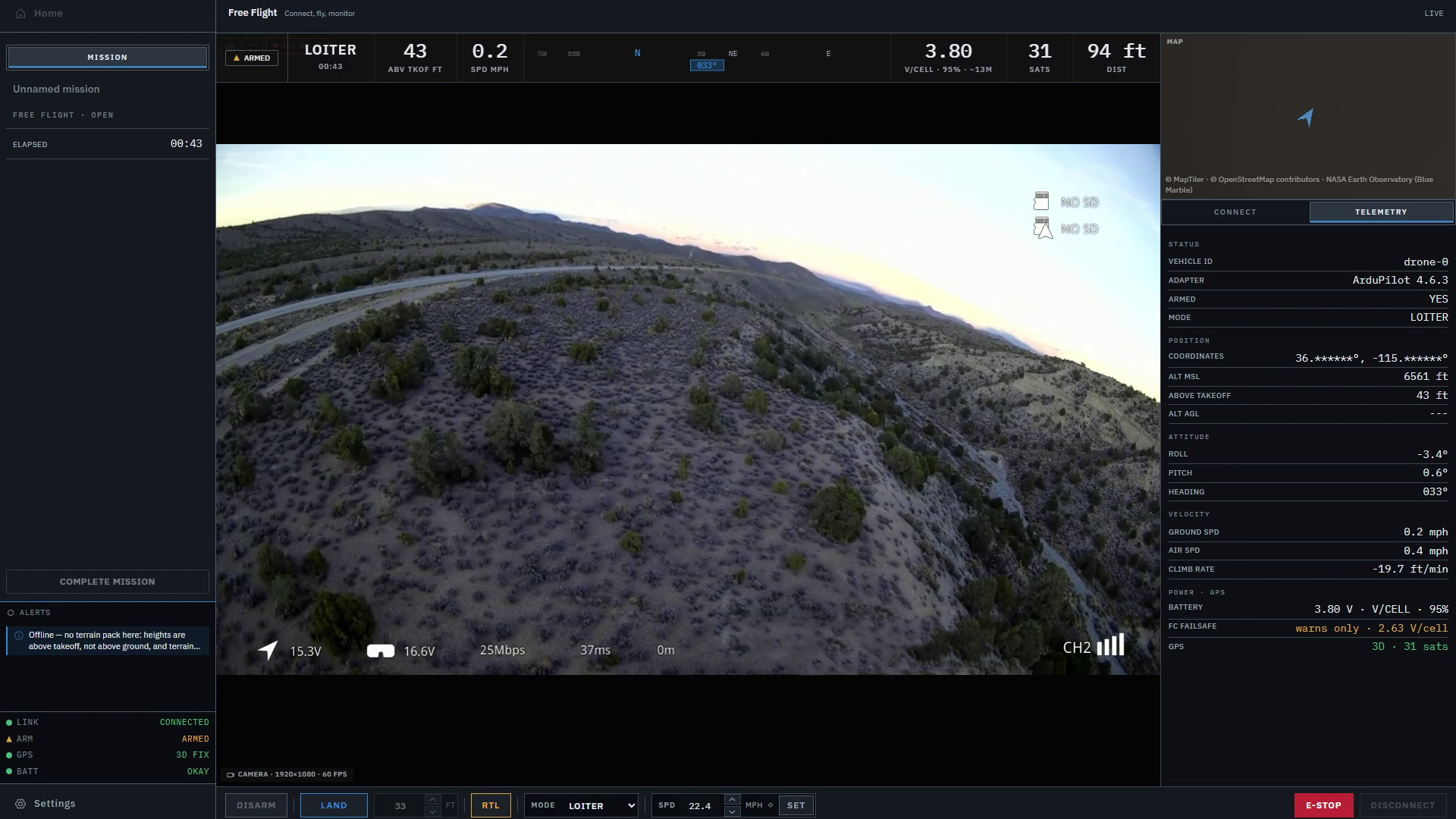
Now the readings begin to arrive. Imagine a battery report corresponding to 15.8 volts. The ground station reads the relevant fields, handles the units and places the result beside a battery symbol. A position report supplies coordinates for the aircraft marker. Another message describes its attitude, meaning its orientation, so an instrument can show how it is tilted.
The aircraft is sending structured data that the application turns into something useful. MAVLink’s common message definitions describe the fields and units both ends need to understand. This is what lets different applications interpret the same report without inventing a new format for each one.
All of this has to fit through the connection. MAVLink uses compact binary packets, designed for systems with limited computing resources and link bandwidth. The two ends use agreed message definitions instead of repeatedly transmitting a human explanation of each value. The ground station does the translation into labels, units and pictures for you.
As fresh position messages arrive, the dot can move. As new attitude information arrives, the instrument can change. The screen begins to feel like a continuous view of the aircraft, even though it is being assembled from individual reports.
Those reports needn’t arrive together. Different information can be sent at different rates, and compatible software can request message intervals. A fast-changing attitude display and a less frequently updated battery reading can both be behaving as intended.
That is also why the age of a reading matters. The screen contains the latest information it has received, which may be newer for one value than another. Our drone telemetry guide looks more closely at how to read those values.
Your laptop gets a turn
So far, the aircraft has done most of the talking. The ground station can send messages too.
Consider a flight-mode change sent through MAVLink’s command protocol. The application turns the request into the appropriate message and sends it to the aircraft. The autopilot then decides how to handle it and can send a command acknowledgement back.
That reply is useful feedback. The aircraft might accept the request, report that work is in progress or refuse it with a reason. A button that briefly says it is waiting, then explains the answer, is showing you part of this exchange.
There is a small but important gap between accepting a request and finishing the action. The command protocol defines acceptance as the flight software agreeing to attempt it. The aircraft’s subsequent reports and behavior tell you what happened afterward.
Settings and flight plans have their own conversations. The parameter protocol lets software exchange configuration values. The mission protocol transfers plans through a sequence of messages, including requests for missing parts. That is why uploading a route can show progress as the two ends work through the transfer.
Drawing a route, transferring it and starting it are separate jobs. Our guide to flight controllers, autopilots and ground control stations follows those jobs through a flight. MAVLink carries the exchanges between them; the autopilot does the onboard flight-control work.
Take the conversation into the field
The USB cable is convenient on a bench. For a flight, imagine replacing that short path with a pair of telemetry radios. Messages pass from the flight controller through the radio on the aircraft, across the radio link and into the equipment beside the laptop. Requests travel back the other way.
The equipment carrying the messages has changed, while the software can still understand their contents. ArduPilot’s telemetry overview shows several ways to arrange this, including systems that combine telemetry and RC control.
You may also encounter network connections using UDP or TCP. These are different ways of carrying data, supported according to the application and flight software. The official connection examples show serial and network options. MAVLink defines the messages traveling over the chosen connection.
A direct radio link can work without internet service. The laptop might use the internet to fetch maps or reach an account service, but the aircraft conversation can have its own path. This helps explain how you can lose an online map while the aircraft’s readings keep arriving.
When the conversation goes quiet
Now imagine the position marker stops moving. The aircraft may still be flying. The ground station could simply be holding the last position it received.
A missed position update and a completely lost connection are different clues. Other messages might still be arriving. Heartbeats help software judge whether another participant is present, but a heartbeat doesn’t refresh every value on the screen. The sending interval and timeout also depend on the system and channel.
Video adds another path to keep in mind. MAVLink can exchange camera controls and stream information, while the actual pictures can use a separate stream. That makes it possible for video to freeze while telemetry continues, or for the readings to stop while a picture remains.
The flight controller is still with the aircraft throughout this. Its response to lost ground station contact comes from its software, active mode and configuration. ArduCopter’s GCS failsafe watches for missing ground station heartbeats and applies a configured response. Returning home is one possible behavior, rather than a promise built into the word MAVLink.
One language, different equipment
A shared message format is a useful starting point when choosing equipment and software. It lets different products understand common reports, and gives developers established procedures for things such as settings and commands.
There is still more to compatibility than finding MAVLink on two feature lists. Additional message sets, called dialects, extend the common definitions. An autopilot can implement a command that a particular ground station doesn’t expose, or an application can offer a tool the aircraft doesn’t support. The practical question is whether the combination handles the job you want to do.
You’ll also see MAVLink 1 and MAVLink 2. Version 2 expands the protocol and supports optional message signing. When configured, signing helps a receiver authenticate messages from a trusted source. It doesn’t encrypt their contents, as the security FAQ explains.
Back at the laptop, the point of all this is a clearer picture of the flight. A connected indicator, a fresh position and an accepted command each tell you something different. Once you know the conversation behind them, those little changes on the screen carry more meaning.
That’s part of what we’re working on with Markhor, where aircraft controls, telemetry and a 3D terrain view share one workspace. Markhor is in active development and is not yet available outside Lechuza.